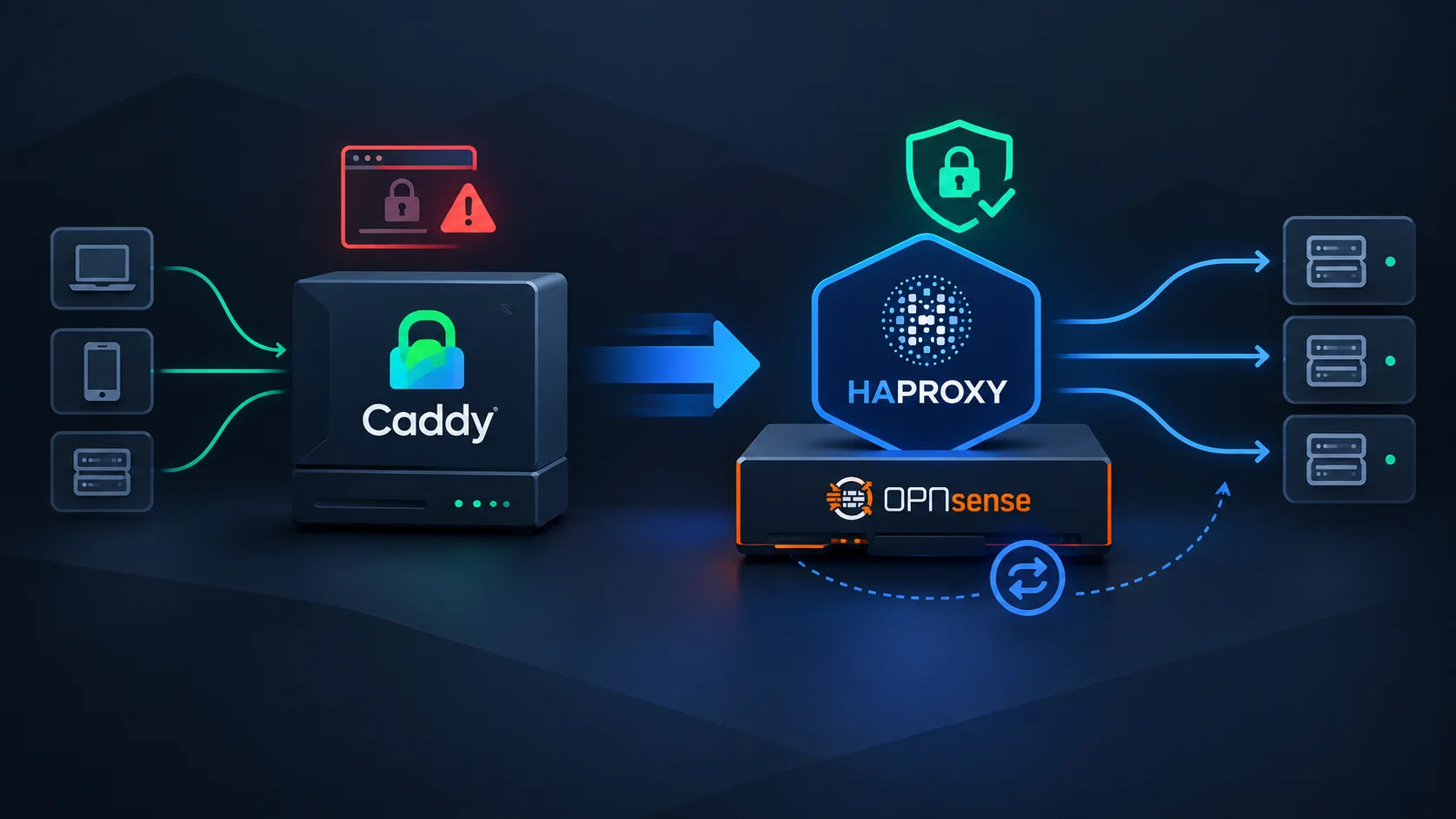
Intro
My OPNsense cluster is the front door of my homelab. It receives HTTPS traffic, decides where it should go, and forwards it either to services behind Traefik or directly to infrastructure interfaces such as Proxmox, TrueNAS, and OPNsense itself.
Until recently, that job belonged to Caddy. It was easy to configure and, most importantly, it managed certificates without asking anything from me. A wonderfully quiet bit of infrastructure.
Then I upgraded OPNsense to version 26.1. Requests to services managed by Traefik started failing at random with SSL_ERROR_INTERNAL_ERROR_ALERT. Not every request, not every service, just often enough to make the setup untrustworthy.
I also wanted to recreate a Kubernetes endpoint that I had previously handled with HAProxy. So instead of trying to persuade Caddy to behave, I used the opportunity to replace it with HAProxy.
This is the story of that migration, including the part where a simple reverse proxy becomes a collection of TCP dispatchers, maps, certificates, and a little bit of free-form HAProxy configuration.
What I Need from the Reverse Proxy
The setup has two different routing needs.
Most applications run on dockerVM (a VM running Docker if it isn’t obvious), behind Traefik. For those services, OPNsense must inspect the TLS Server Name Indication, then pass the encrypted connection through to Traefik. Traefik remains responsible for its own TLS certificates.
Other services are infrastructure interfaces that I only want to reach from internal networks or through my VPN:
- Proxmox
- TrueNAS
- The OPNsense WebUI
For these, HAProxy terminates TLS and forwards HTTP traffic to the relevant backend. I also need the configuration to work on both nodes of my OPNsense HA cluster.
In my previous configuration, Caddy handled both styles of traffic through its reverse proxy and Layer4 proxy features. You can see the original setup in my article about my OPNsense HA configuration.
Preparing HAProxy Before the Cutover
I install the community os-haproxy plugin on the master OPNsense node and build the new configuration while Caddy is still serving production traffic. This makes the migration less stressful. At least in theory.
I start by defining real servers and backend pools. dockerVM gets one TCP backend for HTTPS passthrough and one HTTP backend for ACME challenges. The infrastructure services get HTTP backends with TLS enabled toward their upstreams.
The Proxmox backend contains all three Proxmox nodes, while TrueNAS and the local OPNsense WebUI each have their own backend.
⚠️ One small surprise appears during testing: both the TrueNAS and Proxmox interfaces remain stuck on their loading screens for a long time. Disabling HTTP/2 in their backend pools solves it. Not an especially dramatic fix, but exactly the kind of detail that makes a migration take longer than expected.
One Port, Several Kinds of HTTPS
At first, I test the infrastructure services on separate ports. That works, but it is not the goal. I want proxmox.vezpi.com and nas.vezpi.com to share the same public HTTPS port.
HAProxy can select an HTTP backend using the Host header once it terminates TLS. That gives me a frontend for the infrastructure services, but it does not solve TLS passthrough to Traefik. A TLS stream cannot be both terminated by HAProxy and passed through unchanged.
💡 The solution is a TCP dispatcher on port 443.
HAProxy inspects the TLS ClientHello, reads the SNI hostname, and makes the first routing decision without terminating the connection:
- Domains managed by Traefik go directly to
dockerVM. - Infrastructure domains go to a local HAProxy frontend that handles TLS offloading and selects the final HTTP backend.
The dispatcher needs an inspection delay so HAProxy has time to read the ClientHello:
tcp-request inspect-delay 5s
That is enough to keep TLS intact for Traefik while allowing HAProxy to route the infrastructure interfaces itself.
Keeping Internal Services… Internal
Exposing Proxmox or TrueNAS to the internet would be a very efficient way to create future work for myself, so the dispatcher also needs to enforce access rules.
I define my internal networks, including the VPN network, in an ACL. Requests for internal-only hostnames are rejected when their source does not match that ACL. The same model also works for internal services hosted on dockerVM.
Initially, I create conditions and rules for each hostname through the plugin interface. That is fine for two or three services. My homelab has around thirty URLs, though, and I do not want to create, name, and maintain a small forest of rules every time I add one.
Maps are a better fit. Each hostname maps to a policy rather than directly to a backend, some examples:
cloud.vezpi.com      EXTERNAL_DOCKERVM
git.vezpi.com        EXTERNAL_DOCKERVM
pdf.vezpi.com        INTERNAL_DOCKERVM
proxmox.vezpi.com    INTERNAL_INFRA
nas.vezpi.com        INTERNAL_INFRA
The TCP dispatcher reads that map and routes traffic according to the policy:
tcp-request inspect-delay 5s

acl FROM_INTERNAL src 192.168.13.0/24 192.168.88.0/24 10.13.37.0/24 192.168.66.0/24

acl SERVICE_DEFINED req.ssl_sni,lower,map_dom(/tmp/haproxy/mapfiles/6a97dc93222c69.76162835.txt) -m found
acl SERVICE_EXTERNAL_DOCKERVM req.ssl_sni,lower,map_dom(/tmp/haproxy/mapfiles/6a97dc93222c69.76162835.txt) -m str EXTERNAL_DOCKERVM
acl SERVICE_INTERNAL_DOCKERVM req.ssl_sni,lower,map_dom(/tmp/haproxy/mapfiles/6a97dc93222c69.76162835.txt) -m str INTERNAL_DOCKERVM
acl SERVICE_INTERNAL_INFRA req.ssl_sni,lower,map_dom(/tmp/haproxy/mapfiles/6a97dc93222c69.76162835.txt) -m str INTERNAL_INFRA

tcp-request content reject if !SERVICE_DEFINED
tcp-request content reject if SERVICE_INTERNAL_DOCKERVM !FROM_INTERNAL
tcp-request content reject if SERVICE_INTERNAL_INFRA !FROM_INTERNAL

use_backend BP_DOCKERVM_HTTPS if SERVICE_EXTERNAL_DOCKERVM || SERVICE_INTERNAL_DOCKERVM
use_backend BP_INFRA_FORWARDER if SERVICE_INTERNAL_INFRA
The filename is generated by the plugin and is not exactly memorable. This is the point where the configuration becomes less pleasant than Caddy. The plugin GUI cannot use a map for SNI inspection directly, so I use the frontend’s Option pass-through field to write the HAProxy directives myself.
It works well, but I would have preferred to stay entirely within conditions and rules exposed by the GUI.
Handling HTTP and Certificates
HAProxy also needs to handle HTTP traffic on port 80. For normal requests, there is no need to expose an HTTP service. The important exception is the ACME challenge path, which must reach Traefik for the domains it manages.
The HTTP dispatcher checks that the requested host is defined in the same map, accepts only /.well-known/acme-challenge/ for the Docker-hosted domains, then forwards the request to the HTTP backend on dockerVM.
Caddy used to manage certificates for me. HAProxy does not, so I install the os-acme-client plugin in OPNsense.
I use an OVH DNS-01 challenge. The ACME client receives credentials with permission to manage TXT records in my DNS zone, then issues certificates for the infrastructure services:
proxmox.vezpi.comcerbere.vezpi.comnas.vezpi.com
I first issue a test certificate against the Let’s Encrypt staging CA, then switch to the production CA. An automation restarts HAProxy when certificates are renewed, and the plugin installs a daily renewal check automatically.
Traefik continues to manage its own certificates. HAProxy only needs certificates for the services where it offloads TLS itself.
The Actual Migration
Once HAProxy is ready, the final cutover is short and deliberately boring.
I connect to the OPNsense master through its IP address rather than through the hostname currently served by Caddy. Then I move the HAProxy TCP dispatcher from its test port to 443 and the HTTP dispatcher to 80.
At that point, I know that disabling Caddy temporarily removes access to every proxied service. So I disable Caddy, apply the HAProxy configuration, and start checking the important paths.
Internal services remain unreachable from outside and accessible through the VPN. Public services behind Traefik are available again. Finally, I remove the firewall rule that had exposed the test port.
🎯 The migration works, and the random SSL_ERROR_INTERNAL_ERROR_ALERT is gone.
Synchronizing the Backup Node
The reverse proxy is part of my OPNsense high-availability setup, so the backup node needs HAProxy too.
I install and start os-haproxy on the backup node. Back on the master, I add HAProxy Load Balancer to the services synchronized through OPNsense high availability, then run a full synchronization.
The ACME client itself does not support HA in this setup. I am comfortable with that compromise because it only renews certificates every couple of months.
✅ After testing both a switchover and a failover, the services remain reachable. That is the kind of test which is much more relaxing once the traffic is actually flowing through the new proxy.
Conclusion
🚀 HAProxy solves the SSL issue that pushed me away from Caddy, and it gives me the TCP-level routing I need for the homelab. The map-based dispatcher also makes adding new hostnames manageable, whether they are public, internal on dockerVM, or infrastructure services.
Still, this migration makes the trade-off very clear. Caddy is far easier to configure and its certificate management is wonderfully simple. HAProxy is more flexible, but the OPNsense plugin requires more moving parts, especially when mixing SNI inspection, TLS passthrough, TLS offloading, maps, and ACLs.
For now, the extra complexity is worth it. My services are reachable again without random SSL errors, the access rules are preserved, and the configuration survives a firewall failover.
That is a pretty good outcome for something that started with one annoying browser error.