Intro
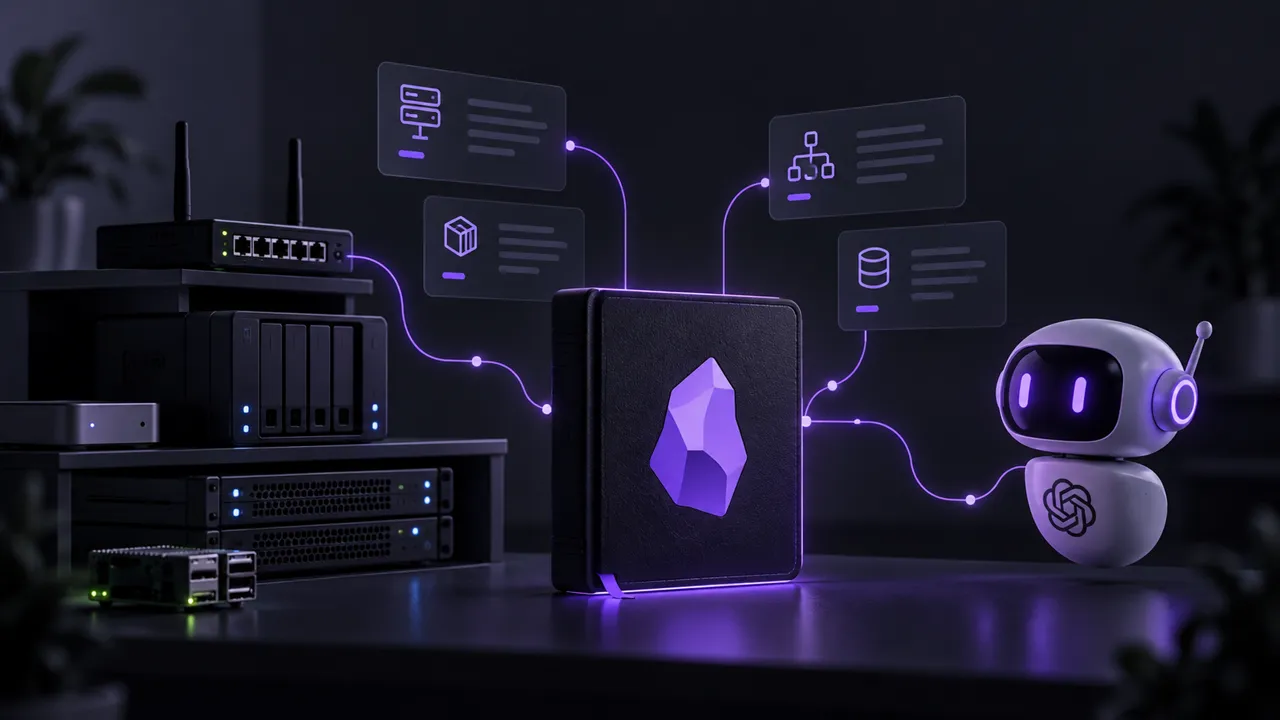
My homelab brings together physical hosts, virtual machines, storage, and applications that depend on each other. When I ask an AI agent to help with a project, knowing how Proxmox or Docker works is only part of what it needs. It also needs to understand how those pieces fit together in my lab.
I have been using Obsidian for about three years, after moving from Notion. My project notes and blog articles already live there, so it is also where I keep the inventory: a description of the current infrastructure that I can read and my agents can consult.
💡 To build it, I gave an agent broad information about the setup and asked it to interview me. I supplied the knowledge, while it handled the writing and organization. The result is a linked inventory that gives our work a shared starting point, without asking each agent to reconstruct the lab from a conversation.
Why Obsidian?
Obsidian stores notes as Markdown files in a local folder called a vault. Links connect related notes, such as an application and the VM hosting it.
I read and edit them in Obsidian. My agents work on the same files using file tools, without needing to operate the application interface.
Git and the blog
The vault is versioned in my self-hosted Gitea instance, so I can review documentation changes, including those made by an agent.
📖 My Obsidian, Hugo, and Gitea Actions workflow sends the dedicated Blog/ folder to the blog repository. The rest of the vault stays outside that publication workflow.
An AI-led interview
I gave an agent broad information about my infrastructure, then asked it to interview me. It used my answers to write the inventory notes and link related components.
I prefer one focused question at a time. That is easier to answer than a large questionnaire, and uncertain details can wait for verification.
The agent takes the notes. I still have to know what is plugged into what. 😅
⚠️ Unknown details stay marked as unknown. An unused application, for example, is not necessarily a stopped or removed container.
Inventory layout
The inventory lives under Homelab/Inventory/, with four categories:
- Compute: Physical hosts, VMs, LXCs, and clusters. Examples include the Proxmox cluster,
dockerVM, and thebastionLXC. - Storage: Storage platforms, including Ceph and TrueNAS.
- Network: Connectivity and shared services, such as OPNsense, VLANs, DNS, DHCP, and UniFi.
- Application: One note per application, such as Home Assistant, Gitea, and Portainer.
An Infrastructure.md index links to the component notes. It is the starting point for me and the agents.
Common sections
Each component note is expected to have four sections:
- Description: What the component is and its role in the lab.
- Details: Specifications, configuration, and useful technical facts.
- Relations: Links to hosts, dependencies, and downstream consumers.
- Changelog: Dated changes to the component or its documentation.
Details by kind
The structure stays the same, but the subsections inside Details depend on the component’s kind:
- Host, VM, or LXC: Hardware or allocated resources, OS, disks, and network configuration.
- Cluster: Members, topology, and availability mechanisms.
- Storage: Architecture, pools or datasets, redundancy, and consumers.
- Network or service: Architecture, addressing or naming, and relevant service configuration.
- Application: Purpose, hosting method, and application-specific configuration or integrations.
Hosting and dependencies
YAML properties record the component’s kind, status, management method, and availability. Two fields describe its relationships:
runs_on: The host or platform where it runs.depends_on: Other services it needs, without repeating the host.
A full example
Here is the complete Portainer.md note, including its properties and changelog:
---
type: inventory
kind: application
status: active
runs_on:
  - "[[dockerVM]]"
depends_on:
  - "[[Traefik]]"
  - "[[Inventory/Network/OPNsense|OPNsense]]"
managed_by: manual
high_availability: false
tags:
  - inventory
  - docker
  - portainer
---
### Description

Docker management UI for the [[dockerVM]] application stack. Provides visual container management, logs, and monitoring for Docker Compose workloads.

### Details

| Property | Value |
|----------|-------|
| Runs on | [[dockerVM]] (Docker Compose) |
| Purpose | Visual Docker management |

### Relations

- **Managed**: All Docker containers on [[dockerVM]].
- **Ingress**: Via [[Traefik]] → [[Inventory/Network/OPNsense|OPNsense]] HAProxy.

### Changelog

- **2026-10-12**: Initial documentation.
- **2026-10-16**: Removed the host from `depends_on`; it is represented by `runs_on`.
ℹ️ The double brackets are Obsidian links, shown here as literal Markdown. They connect Portainer to dockerVM and its ingress dependencies.
The changelog records a correction too: the VM belongs in runs_on, not in both relationship fields.
Context for agents
Read before working
An agent can start from an application note and follow its hosting and dependency links. It gets the relevant context without reading the entire vault or relying on an earlier conversation.
📖 Project notes explain decisions and work in progress. The inventory describes the current setup. A migration plan does not mean the applications have already moved.
Keep notes current
🔁 I want the agents to maintain the context they use, updating relevant notes from verified changes. Git history and changelogs keep those updates reviewable.
Verify against infrastructure
Later, I want agents to gather data directly from the components. With appropriate read-only access, they could compare the running setup with the inventory, flag differences, and help correct outdated notes.
⚠️ This is a future step, not an automatic verification process already in place. I remain responsible for deciding and applying infrastructure changes. Permission to read a system is not permission to change it.
Conclusion
I now have a structured inventory in Obsidian, with an index to navigate the lab and individual notes describing its components. The common format makes the information easier to find, while hosting and dependency links explain how the pieces connect. Changelogs keep a record of corrections and updates.
Building it through an interview lets me contribute what I know without writing every note myself. For me, the result is a readable reference for the infrastructure. For my agents, it is concrete context they can consult before helping with a project, rather than relying on fragments from earlier conversations.
🔁 That gives me a foundation for agent-maintained documentation. The next step is keeping those notes current from verified changes, with direct checks against the infrastructure later. I still review the facts, but the writing and organization are work I can share with the agents.